FUSE ANIMATOR

Ideas.
Content.
People.
In Motion.

An animator’s editor for stories, interactive pieces and courses. Draw by hand, give things weight on a real timeline, then send it to your LMS or your website.

FUSE ANIMATORORGANIC ELEARNING●   ●   ●
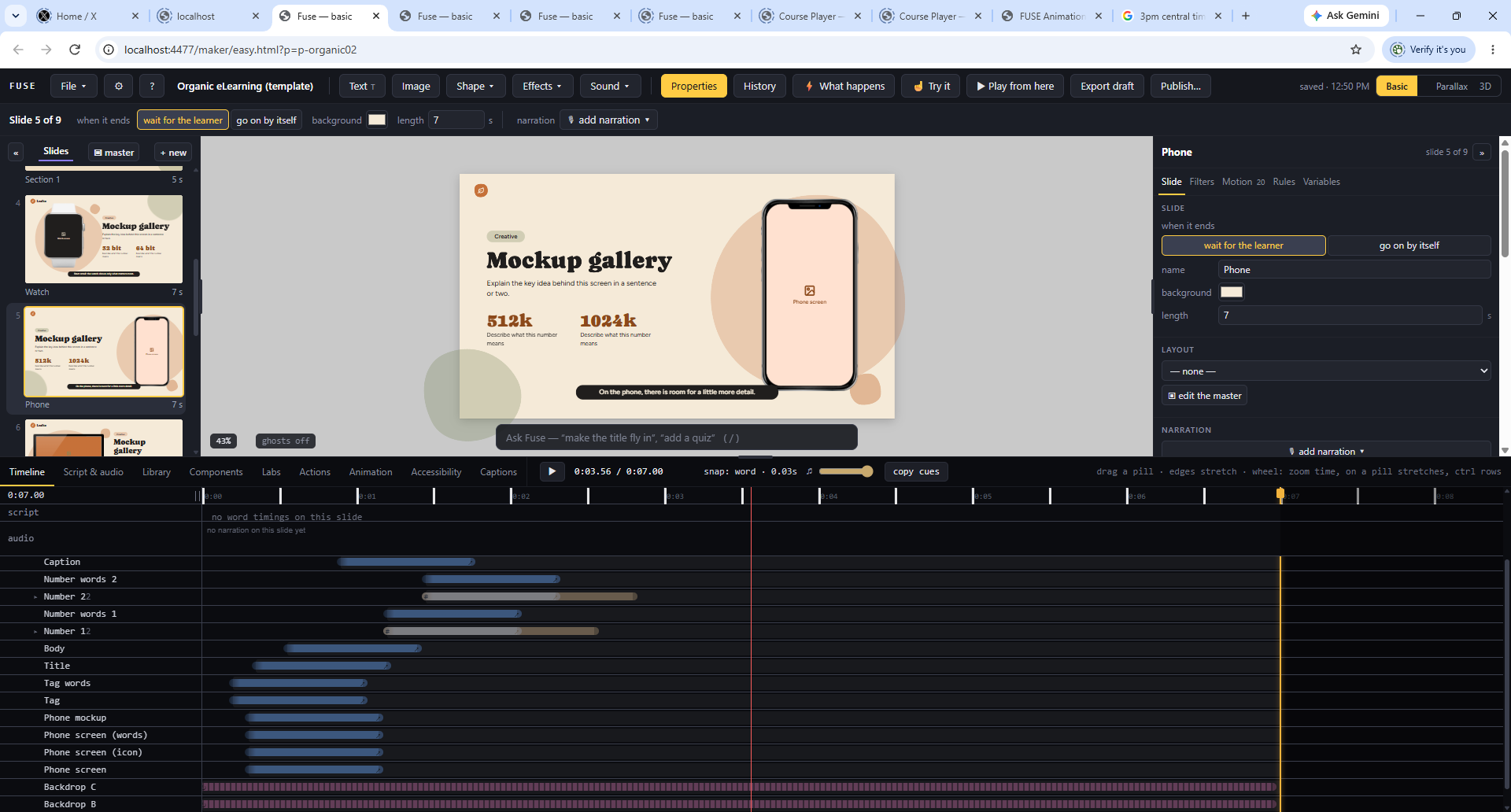
Angled view of the Fuse Animator editor showing the slide, panels, and timeline
IDEAS INTO EXPERIENCESScroll to explore
✦Draw by handBrush, pen and pencil
↝Motion with a bodyFollow, lag, bounce, orbit
◎Learning built inQuestions, voice, captions
✳In and outFrom Storyline to SCORM
FROM THE STAGE TO THE EXPERIENCE

Make a scene.
Then let it live.

Compose slide by slide, animate each layer on the timeline, and preview how it plays for someone on the other side of the screen.

Concept illustration of a Fuse Animator experience
FUSE ANIMATOREXPLORATION / 01✕
A STORY IN MOTIONEvery idea
can move.
Choose where the story goes next.
Explore the mountains ↗Follow the light ↗
00:00
00:08◱
THE REAL WORKSPACE

Meet the maker
behind the magic.

This is Fuse Animator as it exists today: a canvas to compose on, slides to shape the story, an inspector for the details, and a timeline for every moment.

FUSE ANIMATORORGANIC ELEARNING (TEMPLATE)◆   ◆   ◆
THE WORKING FUSE ANIMATOR EDITORClick to expand ↗
01Compose visually

Arrange text, images, shapes, and effects on the canvas.

02Give it timing

Build motion with object tracks and a precise timeline.

03Make it respond

Add rules, variables, and choices when a scene needs interaction.

THE ANIMATION SHELF

Choose a move.
Make it yours.

Fuse Animator’s Animation tab brings motions, reveals, and moving looks into reach. Preview a treatment, put it on a selected thing, then tune its timing on the timeline.

Inspired by the working Fuse Animator shelf

Select a tile to watch its illustrative preview. In Fuse Animator, hover previews a motion on the selected object.

DRAW BY HAND

Draw it. Mirror it.
Bend it like clay.

Three of Fuse Animator’s drawing tools, on one pad. The brush keeps how you drew, so the stroke draws itself back on at your pace. Mirror finishes the other half for you. Warp lets you grab your own drawing and pull. Have a go.

Draw here

  • Brush, thick and thinSpeed and pressure shape the line.
  • Record a strokeIt draws itself on, the way you drew it.
  • Pen and pencilExact points, or freehand.
  • Mirror, even the brushPaint one half and the other paints itself. Record it and both halves draw on together.
  • The warp handGrab your drawing anywhere and pull. It bends like clay. A grid bends any shape on purpose.
  • Gradients you touchHandles on the stage, freeform colour points, colour along a line, and Flow sending colour down a stroke.
MOTION WITH A BODY

Things that
follow, lag and bounce.

Link one thing to another and it rides along, a little behind. In Flash this took code. Here it’s a drag, a lag slider and a bounce slider. Move your pointer over the stage and try it.

Parent links

Drag the link onto its leader. Linking never moves anything.

Orbit

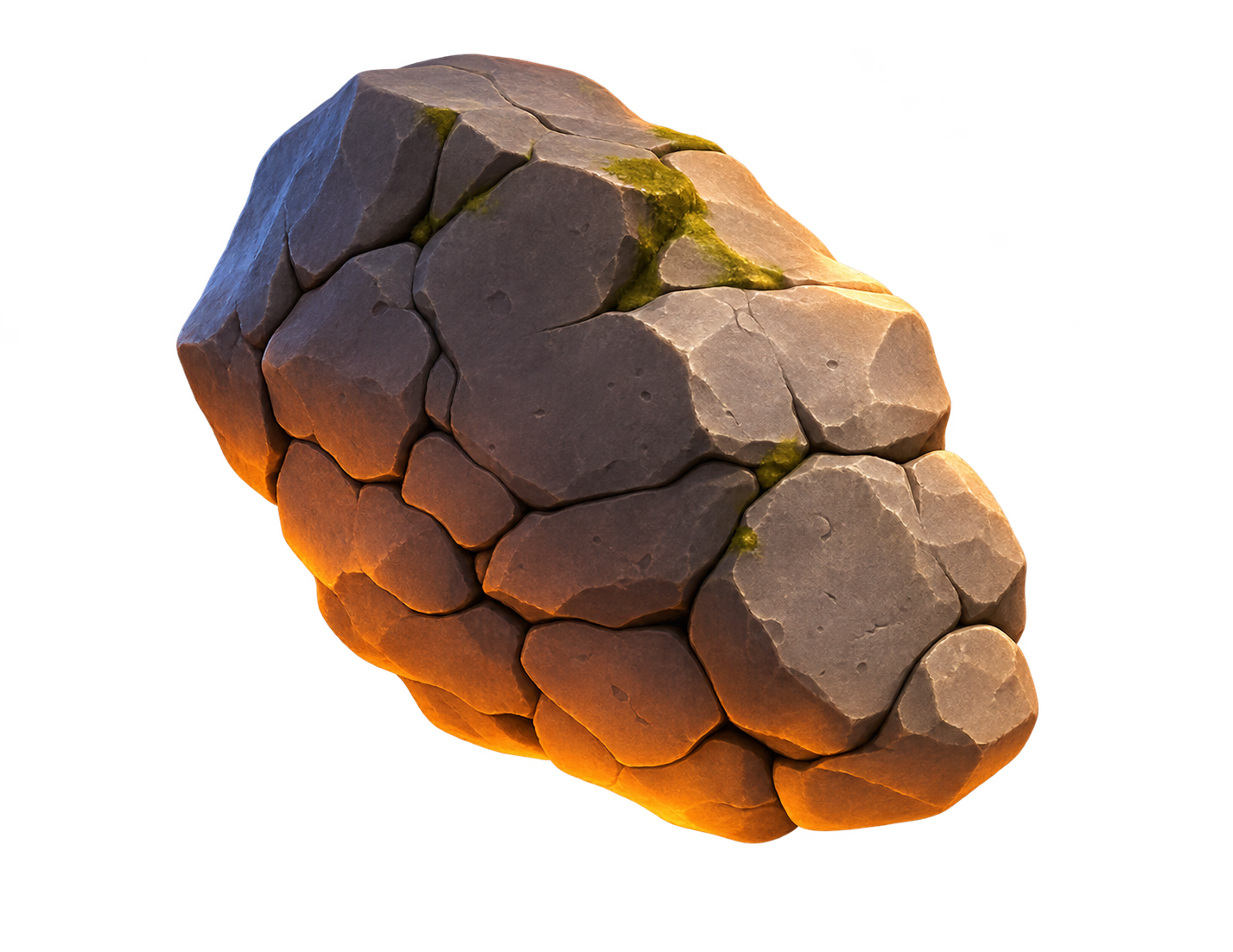
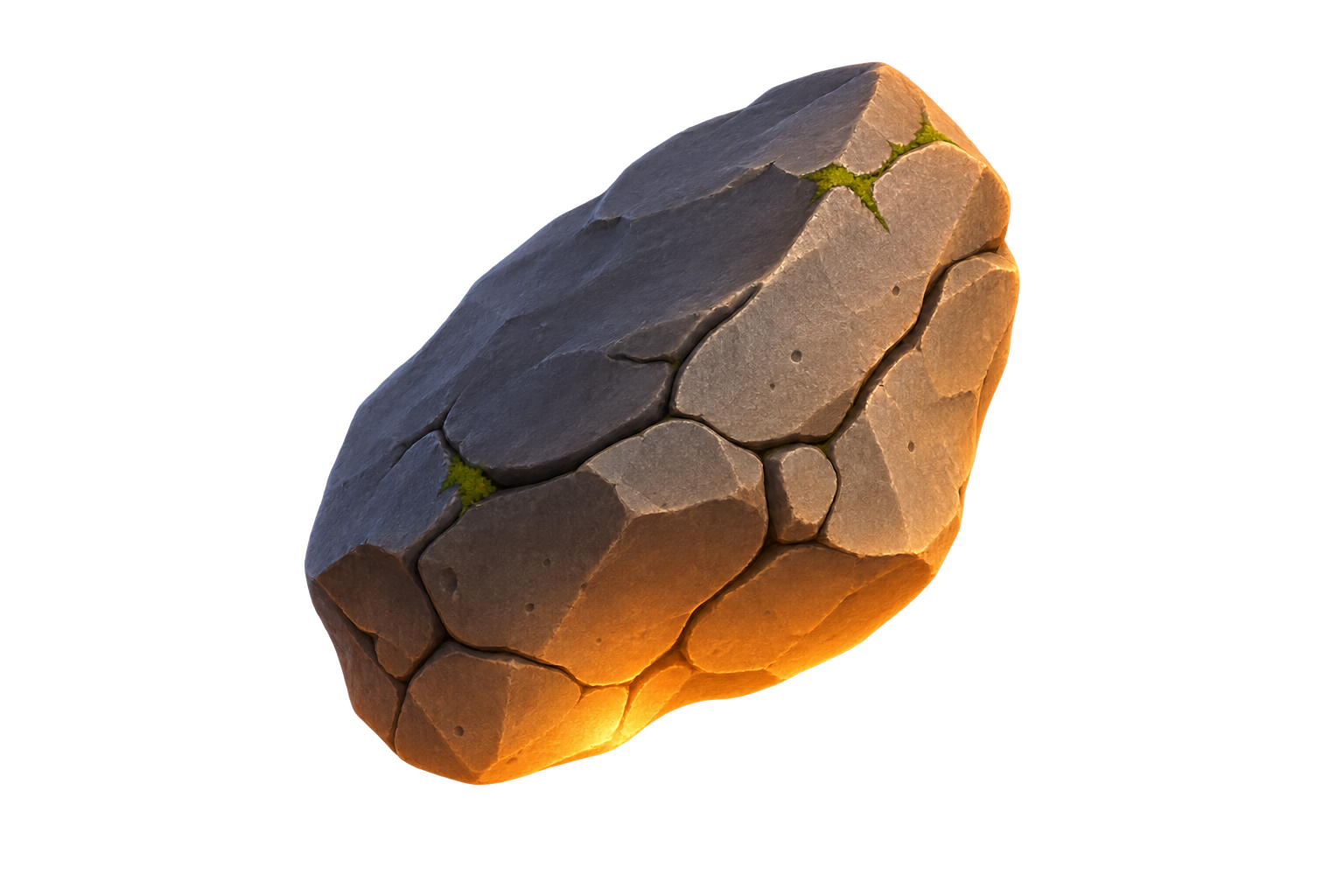
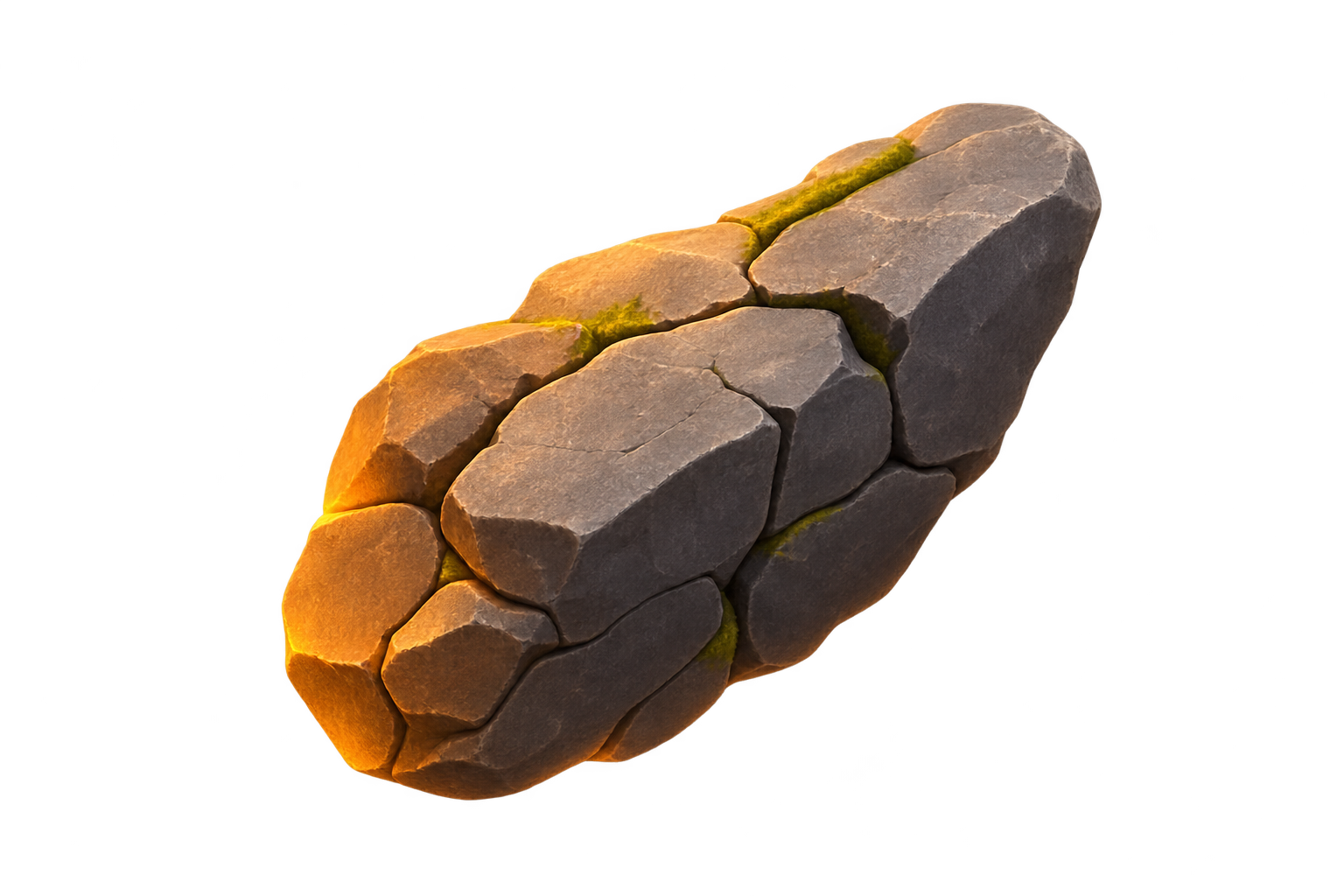
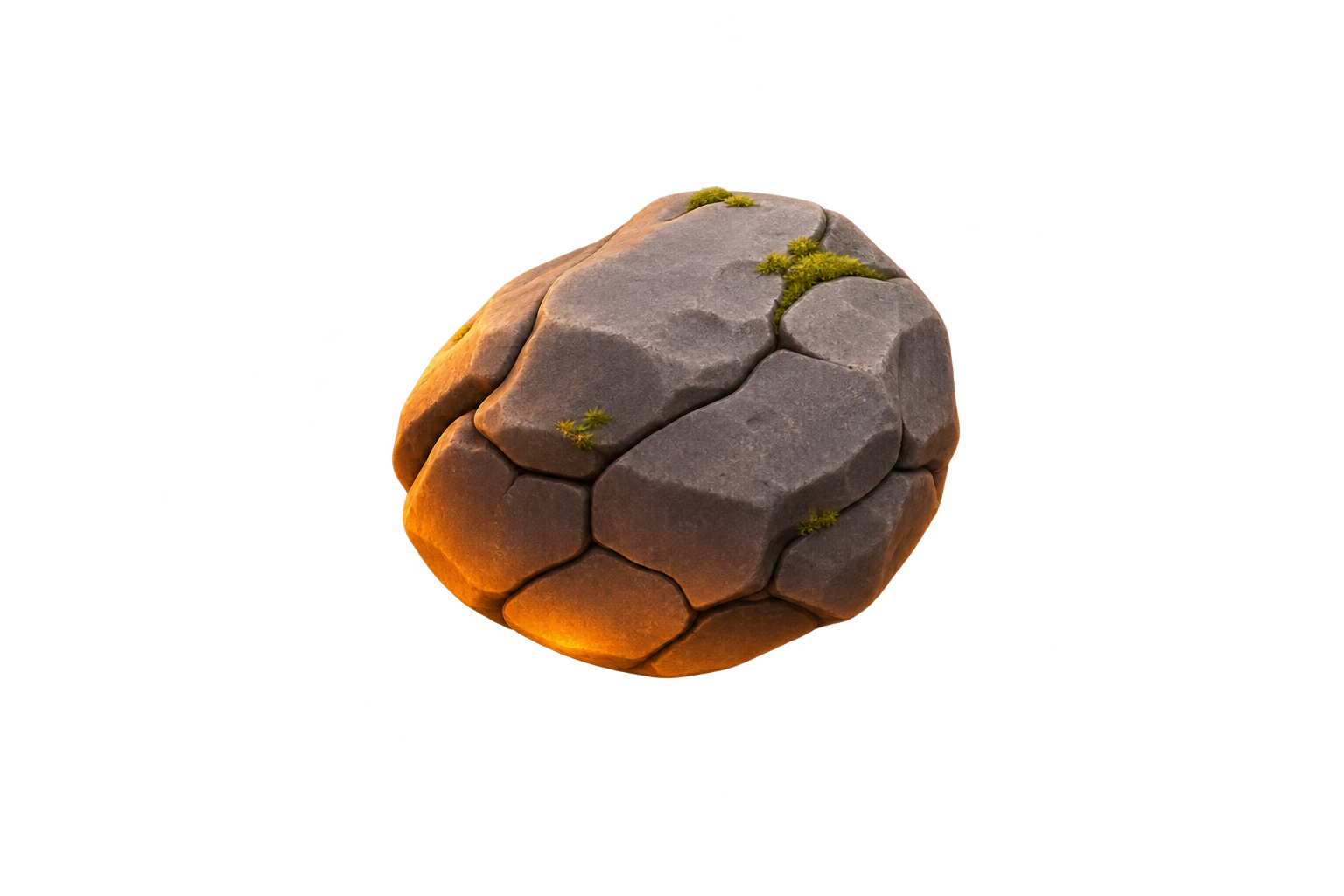
The rocks circling our mascot up top are Orbit. Right-click, motion, looping, orbit.

Bones

A chain that bends, for arms, tails and vines.

Paths and labels

Send a thing along a path you draw, and name the moments on the timeline.

LEARNING BUILT IN

Built for the people
on the other side.

Fuse Animator came out of twenty years of making courses. Questions, scoring, narration, captions and an accessibility check are part of the editor, not add-ons.

01 / ASK

Questions and scores

  • One right, several, or true and false
  • Typed words and numbers
  • Matching, sequence, hotspot, word bank
  • Conversations you write
  • AI-played conversations, in the app now and coming to the web
  • Pools, shuffles, tries and partial credit
  • A pass mark, second chances, and “how sure are you?”
  • An AI coach after a miss, in the app now and coming to the web
02 / RESPOND

Things people do

  • Buttons with states and click to reveal
  • Drag, type and slide
  • Sort it, scenario, odd one out
  • Explore the picture, a flashlight hunt
  • Rules: when clicked, only if, if… otherwise
  • Variables that remember
03 / HEAR

Voice and access

  • Narration, re-voiced when you re-word a line
  • Fuse Animator flags any sentence where nothing arrives on screen
  • Captions styled your way
  • An accessibility check: alt text, contrast, reading order
  • Less motion respected for the people who ask
A PLACE TO PLAY

Step into
the Labs.

Labs are focused rooms for making one kind of thing. Explore it, adjust it, and bring the result back onto the Fuse Animator stage.

✿
LIVING

The Plant Lab

Grow a plant from a preset, turn its knobs, try a variation, even breed two designs, then keep your own.

↗
MOTION

The Animation Lab

Shape a motion by hand on the stage: drag its starting and ending poses, adjust the feel, and save your own.

✦
MOTION

The Effects Lab

Describe an effect or start from a recipe, tune its behavior, inspect it on dark and light, and place it in a scene.

SOUND

The Sound Lab

Make a sound, or find one, then put it right on the moment it belongs to.

IN AND OUT

Bring what you have.
Send it anywhere.

Old work doesn’t have to stay old. Bring it in, give it motion, and send it where your people are.

BRING IN
  • StorylineAn old course, brought back to life
  • PhotoshopEvery layer becomes a thing you can move
  • PowerPoint and FlashIn the app now, coming to the web

After an import, Fuse Animator lists every change it made.

SEND OUT
  • Your LMSSCORM 1.2 or SCORM 2004
  • Your websiteA zip for your own site
  • VideoMP4, in the app now, coming to the web
  • No player at allFor a kiosk or a showcase, the piece is everything
THE FUSE ANIMATOR IDEA

The hands-on spirit of
old-school Flash animation.
The approachability of
modern builders.

Timeline precision+Slide-by-slide clarity+Interaction built in
Inspired by the creative freedom of Flash and the ease of today’s course builders. Fuse Animator is an independent product.
ONE TOOL. MANY DIRECTIONS.

What will you ignite?

Start with a scene. Then take it wherever your idea needs to go.

↗01 / MOTION

Animated stories

Build scenes with deliberate pacing, transitions, sound, and motion that carries the story.

✳02 / INTERACTION

Experiences that respond

Turn a passive sequence into something people can explore, choose, and influence.

◉03 / LEARNING

Learning with life in it

Create visual lessons and interactive practice with the same creative tools.

BUILT FOR THE MAKING

From first spark
to finished scene.

Fuse Animator keeps the parts of creation close together. Build on the canvas, shape the motion below it, and preview the result without losing your place.

Take a look inside
01Start with a canvas

Choose a starting point or make a scene from scratch.

02Bring it to life

Layer motion, audio, timing, and visual effects.

03Add the human part

Use choices and rules to let viewers participate.

04Play it through

Preview the experience and keep refining it.

YOUR NEXT IDEA IS WAITING

Light the
fuse.

Open the editor and see what you can make.

Open Fuse Animator
FUSE ANIMATORTHE WORKING EDITOR◆   ◆   ◆
Large view of the Fuse Animator editor interface without the surrounding browser window